
Select the model you want to generate your image with.
Crop Images Online with Bylo.ai’s Free Image Cropper
Choose the size, set the visual center, and create a cleaner crop for portraits, products, social content, and everyday images.

Your Generated Images
How to Crop Image Free with Bylo.ai for Cleaner Composition
Follow these simple steps to get started with our platform.
Choose the Crop Size You Want
Start by uploading your image and selecting the crop size that fits your needs best. Whether you want a more balanced layout for everyday editing or a better proportion for social content, choosing the right size helps define the new frame before cropping begins.
Enter the Visual Center for Better Framing
After choosing the size, enter the visual center you want the crop to focus on, such as the face, main subject, product, couple, pet, or another key area. This helps the cropped result stay centered around the most important part of the image instead of cutting the composition in a random way.
Preview and Download the Cropped Image
Once the size and visual center are set, preview the new composition and check whether the framing looks clean, balanced, and natural. When the cropped result looks right, download the image and use it for posts, profiles, product pages, or other everyday visual needs.
Key Features of Bylo AI Image Cropper
Get a Cleaner Frame with Crop Image Free Online
When a photo includes too much background or unnecessary outer space, Bylo.ai’s Image Cropper helps create a tighter and more polished result. By selecting the size and entering the visual center, our Image Cropper makes it easier to crop image free online while keeping the composition cleaner, more balanced, and more focused on the part that matters most.
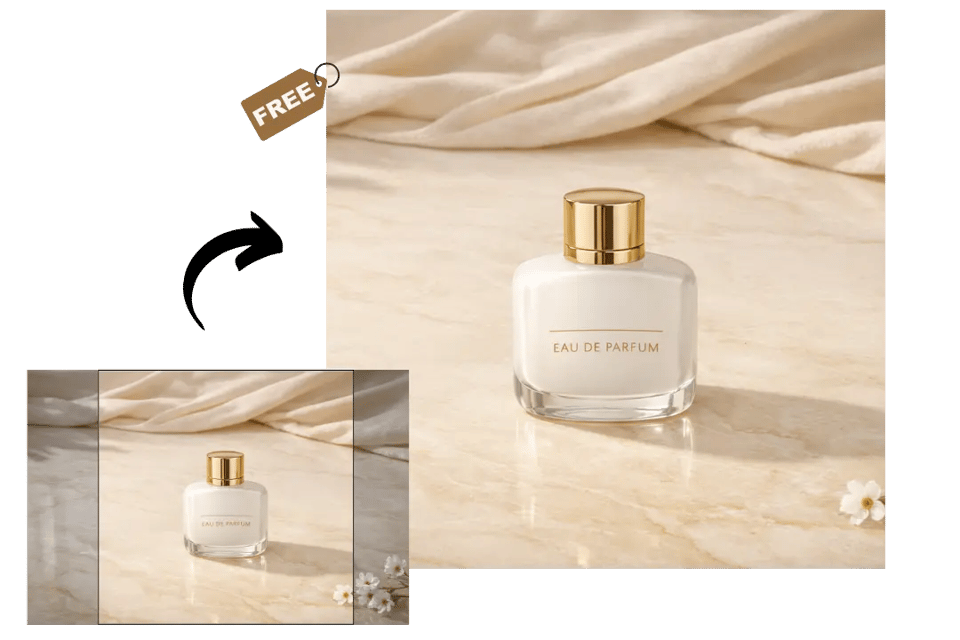
Simplify Everyday Edits with a One Click Image Cropper
For quick framing adjustments, Bylo.ai Image Cropper works as a practical one click image cropper that helps users improve image layout without dealing with a more complicated editing flow. Once the size is selected and the visual center is entered, our Image Cropper helps produce a cleaner result for portraits, products, travel photos, and other everyday visuals.
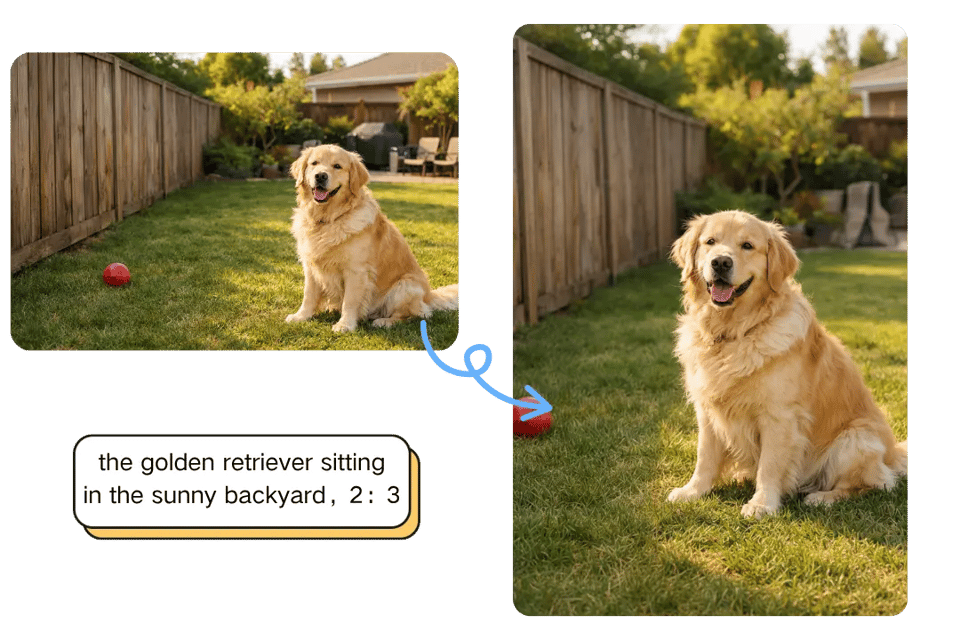
Crop Photos More Flexibly with Multiple Aspect Ratios
Different images need different framing, and Bylo.ai’s Image Cropper makes that easier with support for multiple aspect ratios. Whether you want a square crop, a wider horizontal look, or a taller vertical composition, our Image Cropper helps users adjust image framing more naturally while keeping the most important visual area centered.
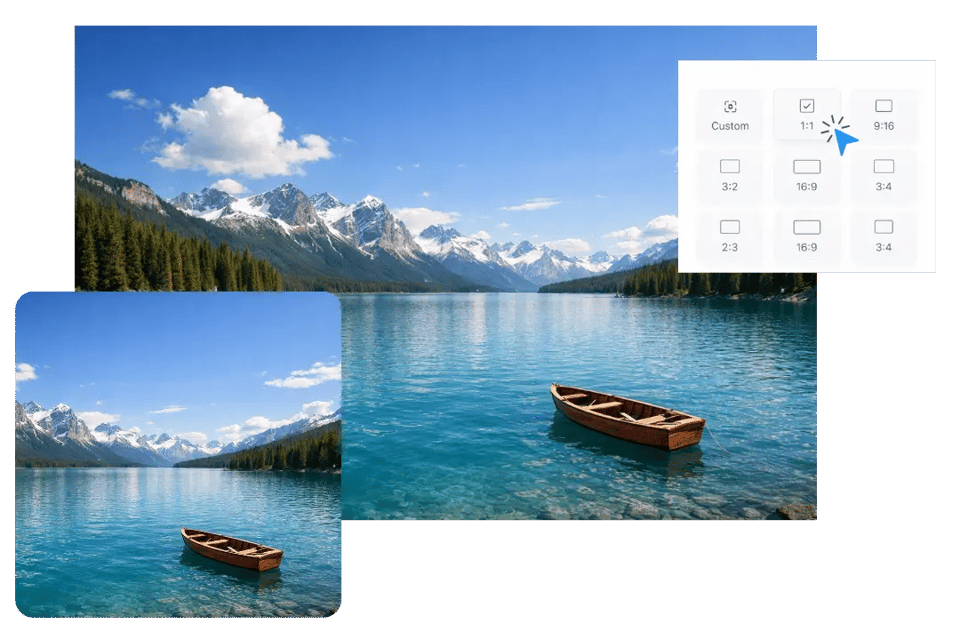
Make Social Content Look Better with an Image Cropper for Social Media
Different social layouts often need a cleaner fit and a stronger focal point so the image feels more intentional. Bylo.ai’s Image Cropper helps as an image cropper for social media by making it easier to reshape the frame around the key subject, so posts, covers, and profile visuals look cleaner, more balanced, and more ready to share.
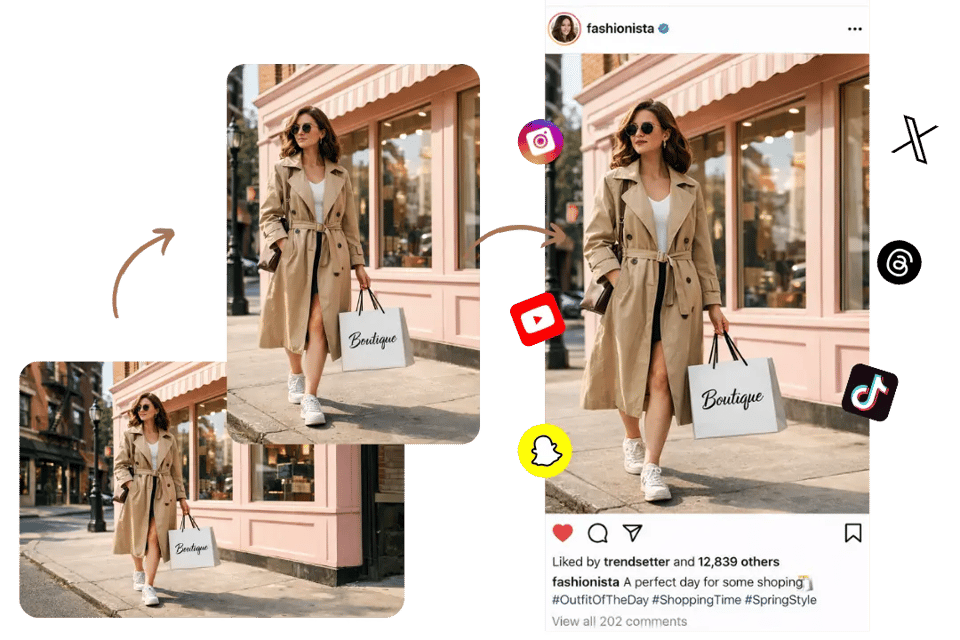
Improve Visual Balance When You Crop Image for Better Composition
A better crop can make an image feel more refined without changing the original subject or style. Bylo.ai Image Cropper helps users crop image for better composition by reducing distracting outer areas, keeping attention on the strongest visual point, and making the final image look tighter, cleaner, and more visually organized.
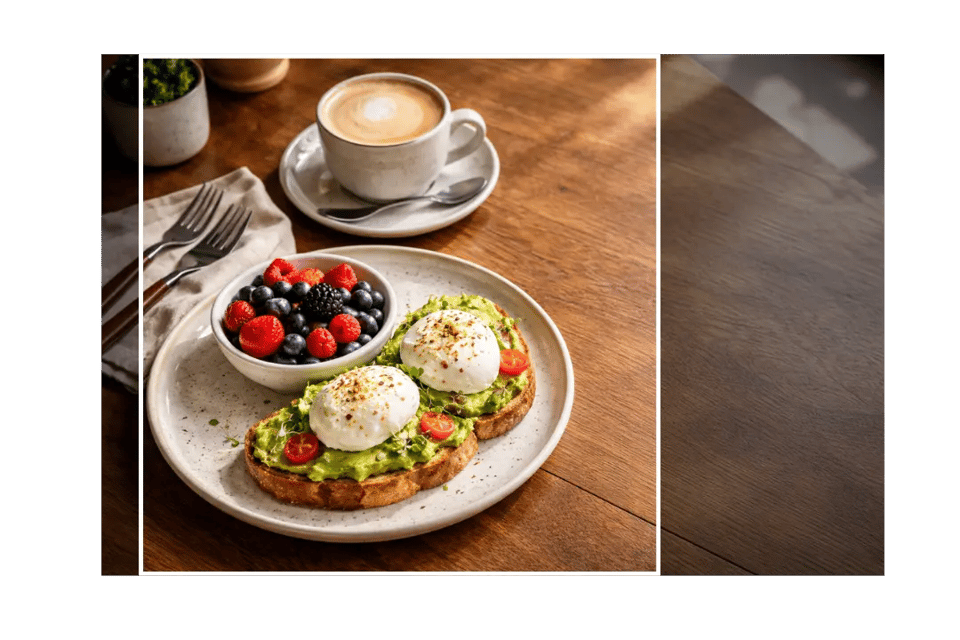
Crop Images More Naturally for Everyday Visuals on Bylo.ai
Crop Portrait Photos with Image Cropper for Better Framing
Bylo.ai Image Cropper works well for portrait photos that include too much background or feel slightly off in composition. By selecting the crop size and entering the visual center, users can keep the face, upper body, or full subject in clearer focus while making the final image look cleaner, tighter, and more naturally framed.
Crop Product Image Layouts for a Cleaner Visual Presentation
A well-cropped product photo often looks more direct, polished, and easier to use across different visual needs. With Bylo.ai’s Image Cropper, users can crop image areas around the main item more precisely, helping product visuals feel more centered, more balanced, and less distracted by extra surrounding space.
Use Image Cropper for Social Media Posts and Profile Layouts
Social content often needs a cleaner fit so the main subject stays visible across different layouts. Bylo.ai Image Cropper helps users adjust framing for post images, profile visuals, cover-style graphics, and other social media content by keeping the crop centered around the most important visual area.
Crop Travel and Everyday Photos for Better Composition
Not every image needs heavy editing to look better. Sometimes a simple crop is enough to remove distractions, improve balance, and bring more attention to the strongest part of the scene. Bylo.ai’s Image Cropper helps users crop image compositions more naturally for travel photos, food images, pet pictures, and other everyday visuals.
Why People Use Bylo.ai for Image Cropping
Free Image Cropper Trial for Everyday Needs
Bylo.ai’s Image Cropper gives users an easy way to try image cropping before moving on to more advanced edits. Whether you want to improve framing, remove unnecessary outer areas, or create a cleaner composition, our Image Cropper helps you get started with less friction and see how a better crop can quickly improve the final visual.
Simple Image Cropper for Easy Everyday Editing
Bylo.ai Image Cropper is built to feel straightforward for different kinds of everyday image adjustments. Instead of dealing with a complicated editing process, users can simply choose the crop size, enter the visual center, and create a cleaner frame with less effort, making our Image Cropper useful for portraits, product photos, social content, and other common visual needs.
Fast Image Cropper for Quick and Convenient Results
Bylo.ai’s Image Cropper helps users make framing changes in a faster and more convenient way when an image needs a cleaner layout without extra editing steps. By combining the selected size with the visual center you enter, our Image Cropper makes it easier to get a more balanced result quickly for everyday visuals, creative content, and simple photo cleanup.
More Than an Image Cropper with Other AI Image Editors
Bylo.ai offers more than a single Image Cropper. After cropping an image for a cleaner composition, users can continue refining their visuals with other Bylo.ai image editors for rotation, enhancement, sharpness improvement, background editing, and broader creative adjustments in one place. For images that need clearer time-based context after the composition is adjusted, users can also continue with Add Date to Photo on Bylo.ai to place a visible date stamp on the final image more naturally.